Opening Hours: Mon-Thur 9am-7pm | Fri 9am-4pm | Sat 10am-2pm
Madison Memory Station
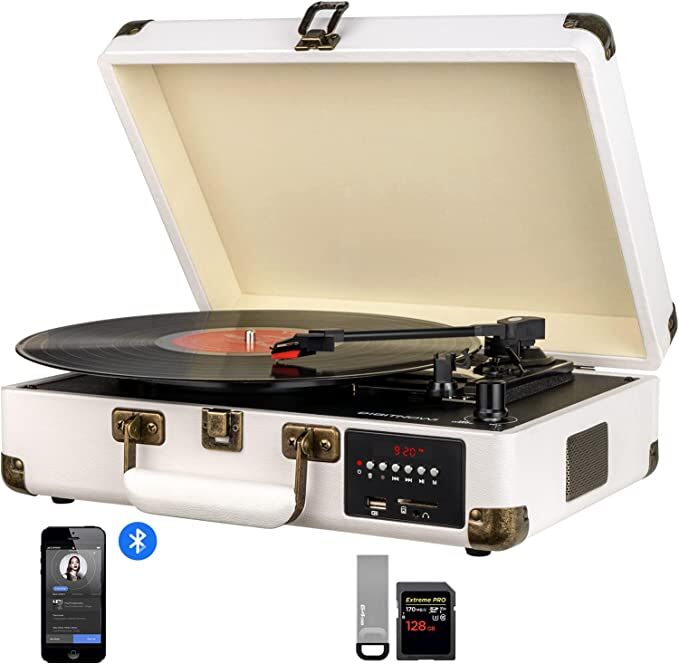
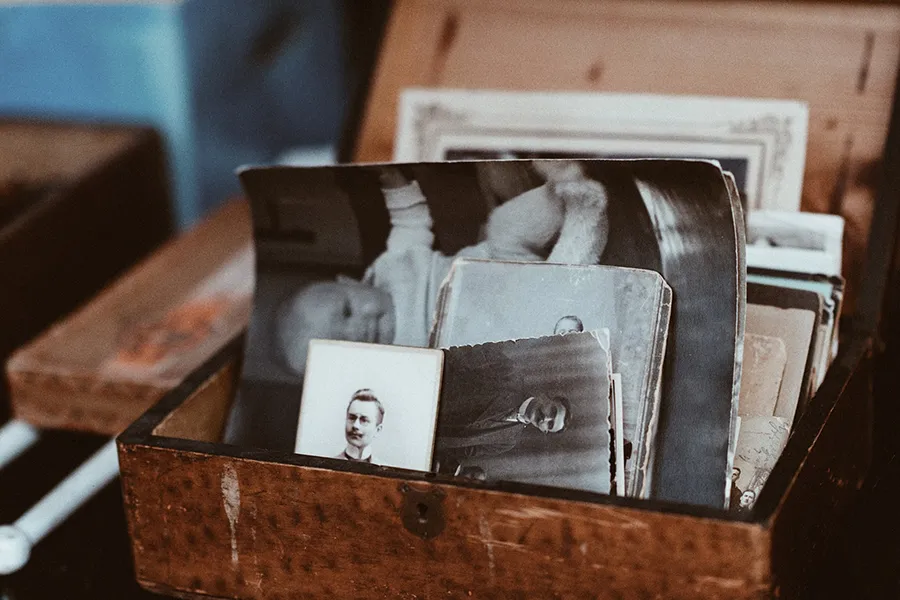
Madison Memory Station is about helping those in the community who want to preserve their memories digitally. Anyone can come in and use our equipment. We ask that you make an appointment with a learning coach ahead of time to learn how to use whatever pieces of equipment you will need to preserve your memories. These pieces of equipment are self-serve after you understand how they work.
A couple things to keep in mind:
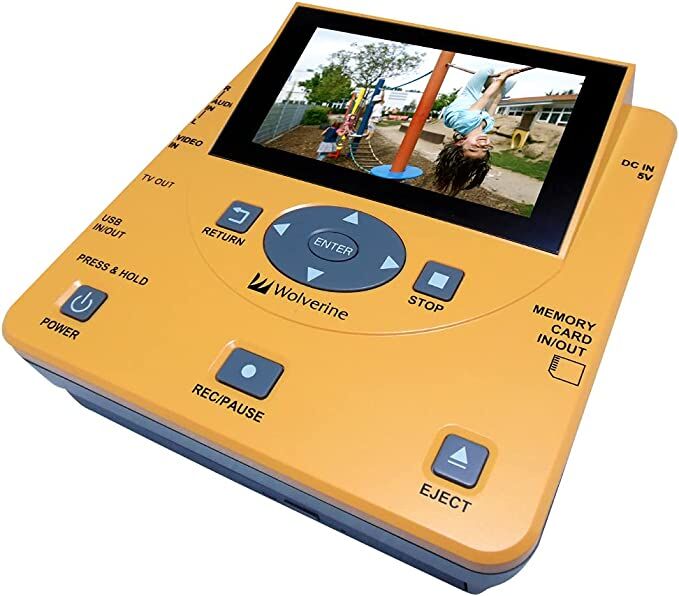
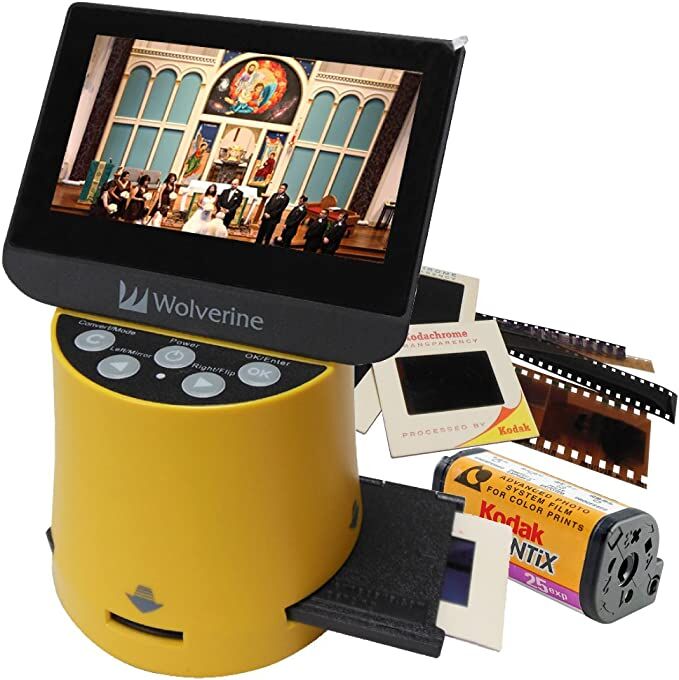
For the video and audio digitizers it is a 1:1 ratio. If your movie is 15 minutes, it will take 15 minutes for it to be digitized. If your audio cassette is 45 minutes of music, it will take 45 minutes to digitize. There is a Wolverine Titan 8-in-1 high resolution film to digital converter in both the Memory Station as well as can be borrowed from the Library of Things. This is the only piece of equipment that can be borrowed and taken home. Currently the library does not offer a service where you drop off materials to be digitized and a staff member does them. Staff are available to help you get started and if you have any questions during the digitization process.
For further information about Madison Memory Station contact the library at 440-428-2189 or email info@madison-library.info.
Current Equipment
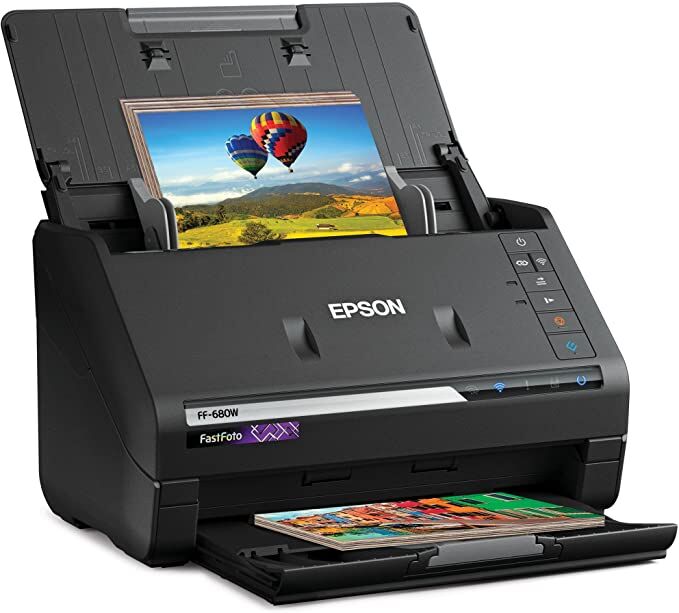
Epson FastFoto High-Speed Photo and Document Scanning System
Scan photos as fast as 1 photo per second at 300 dpi (2); batch-scan up to 36 photos at a time
scan Polaroid photos, panoramas, postcards and photos up to 8″ x 10″
offers a variety of format options for easy sharing (300 dpi), archiving (600 dpi TIFF) and enlarging (1200 dpi (4)); handles multiple sizes in one batch; mobile (up to 600 dpi JPEG)
scan documents up to 240″; scan speeds up to 45 ppm
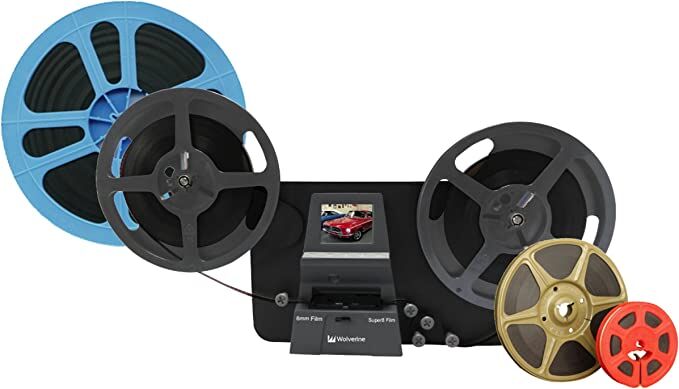
Wolverine TransMedia- Home Movies Digitizer Scanner and Converter.
A fully automated apparatus to digitize 8 and Super 8 movie Reels (no sound and no split 16mm). Frame-by-Frame digitizing for high-quality digital conversion.
Stand-alone machine, no computer, no software or Drivers are required. Scans and directly saves digital movies into SD/SDHC cards (32GB max, not included)
Converts 8 and Super 8 movies into 1080P mjpeg-4 (MP4) digital video files.
Wolverine Titan 8-in-1 High Resolution Film to Digital Converter
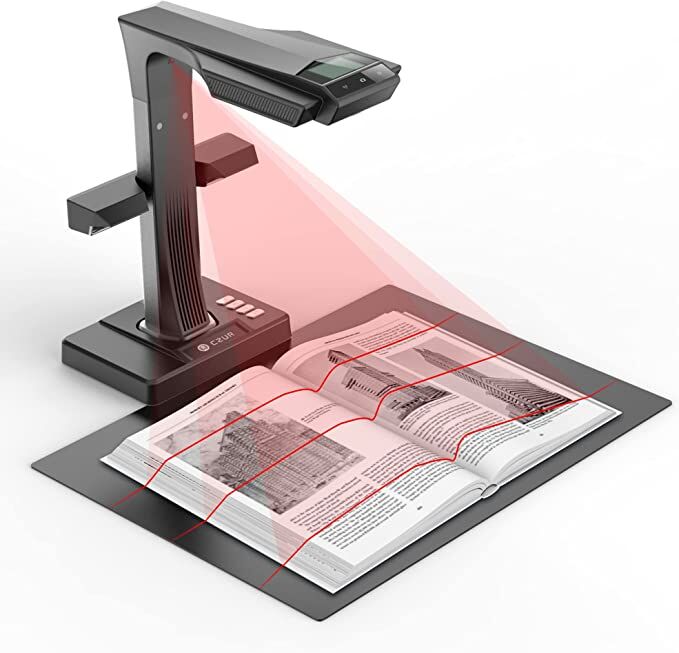
Can flatten the 3D curved surface after pixel transformation to complete flattening of the book page.
24MP HD camera, 320 DPI, 5696*4272 Resolution
OCR technology, JPG files can be converted into editable PDF, Excel, WORD, TIFF, etc. 180+ languages supported.
Can scan any documents up to A3 size (16.5” x 11.7”) that needs to be digitized. Easily digitize all kinds of materials, such as books, documents, receipts, business cards, paintings, magazines, etc.
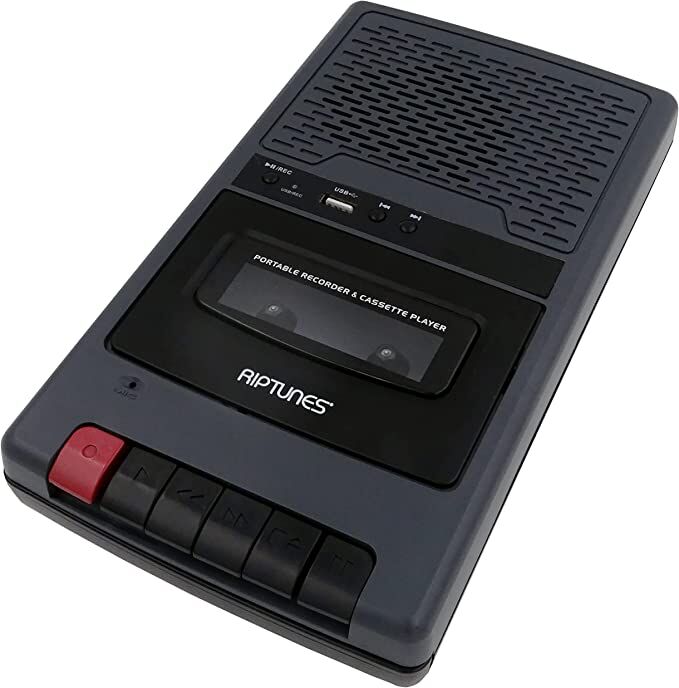
Can Convert audio music cassette tape to MP3 format without computer needed, converts cassettes to MP3 format via simply Inserting a USB Flash Drive while playing cassettes and press record.
CLEVNET Upgrades!
On 2/10/25, starting at 9pm EST, you might experience intermittent interruptions with the catalog as CLEVNET conducts system upgrades. CLEVNET expects the upgrades to be completed overnight.